
The confirmed skin progression
Steam says kills with each gun unlock new skins. This is the only skin-unlock rule established by the checked store description. It does not name every skin or publish the exact kill threshold, a rarity ladder or a cosmetic marketplace.
The description treats skins separately from reputation-based weapon and equipment unlocks, and from challenge-based attachments. A new skin is not evidence that your weapon has gained damage, recoil control or another statistical upgrade.
Track the gun you are actually using
Choose a weapon you enjoy and check its skin menu before a session. After playing, compare the progress shown for that same weapon. Record the requirement exactly as the current game displays it instead of using an unverified threshold from a video or an older build.
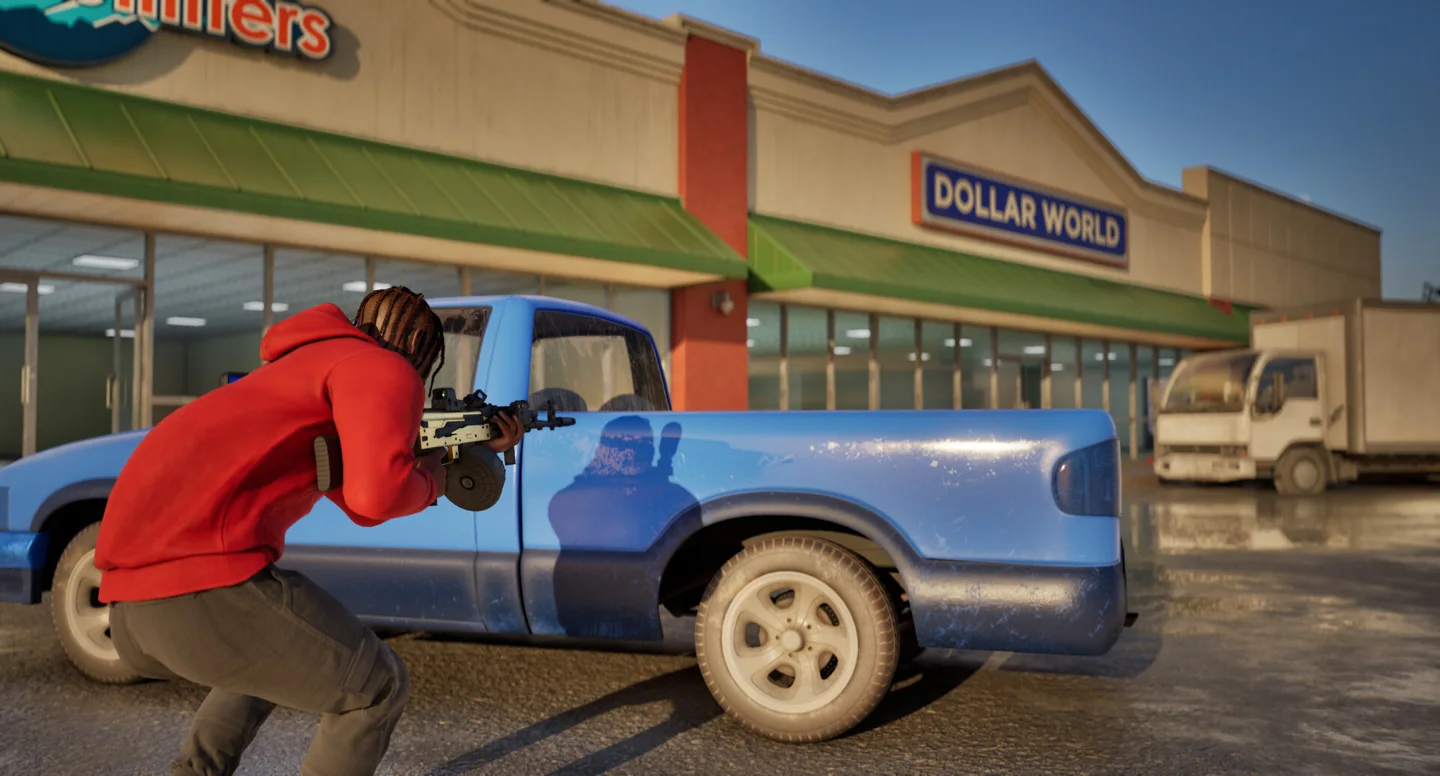
Avoid abandoning an objective just to chase cosmetic progress. In Chain Snatch, a fight still needs a chain pickup to serve the mode; in Turf War, a useful kill should help hold territory. You can learn the weapon while still making decisions that help the team.
If the progress looks missing
The 1.0.10 announcement reports a fix for progression not displaying correctly at match end. Check your installed version and the weapon’s menu before assuming a cosmetic was lost. The note is developer-reported; we have not tested a skin grant or recovery end to end.
Sources & verification
Checked: 2026-10-14