
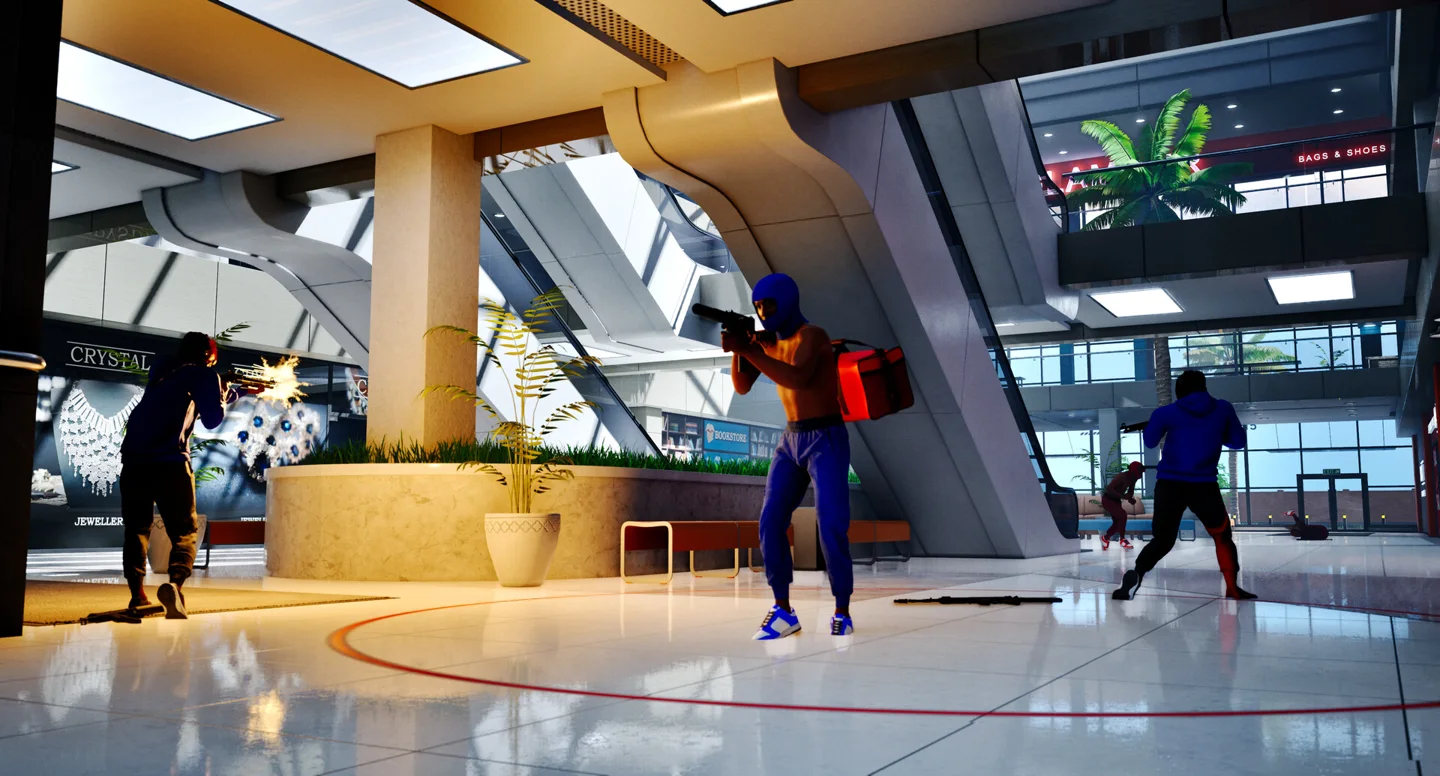
What a challenge unlocks
Steam explicitly connects attachments with weapon challenges. It separately connects skins with gun kills and weapons or equipment with reputation. Do not infer that every challenge is simply a fixed number of kills or that a cosmetic requirement is also an attachment requirement.
The official store does not give individual task text or thresholds. We have not verified a challenge roster in an installed build. This guide therefore helps you interpret the tasks shown in your menu, rather than publishing guessed headshot, distance or kill targets.
Turn the task into a focused drill
Select the intended gun and read the requirement before queueing. Note the starting progress, then plan a short session using that weapon. Keep the condition as written: if the menu distinguishes a weapon, action or match type, record that distinction instead of broadening it yourself.
Bots are officially available for custom practice, but the checked sources do not establish whether every challenge counts bot eliminations. Use a short test and compare the progress display before assuming a custom lobby can complete the whole task.
Balance unlock goals with the match objective
Keep the mode’s win condition visible while practicing the weapon. Do not leave a friendly bag unguarded or skip chains merely to chase another duel. If progress appears inconsistent, check your game version and the current task before reporting a bug; 1.0.10 addressed progression display issues.
Sources & verification
Checked: 2026-10-14