


Before match one
Confirm you installed Hood Warfare 2, app 5155360, then compare your PC with its own requirements. Open controls and audio settings. Patch 1.0.10 puts push-to-talk on T by default; patch 1.0.1.4 asks players with missing sound to choose an output device.
Create a custom match with bots to learn movement and interaction at your own pace. The store confirms configurable maps, modes and match settings. Start with a weapon you can control and verify that your saved preset remains selected.
A five-match practice plan
Match one: test inputs and walk a route. Match two: keep the same map and learn the scoring objective. Match three: repeat your setup while focusing on staying near useful cover. This is an editorial practice sequence, not a required unlock path.
Match four: play with a friend and agree who supports which angle or objective. Match five: review what actually cost you rounds—missing a pickup, leaving home undefended, losing territory or taking a poor fight—and change one habit. A better score should follow better objective decisions, not just more movement.
Pick a mode you can explain
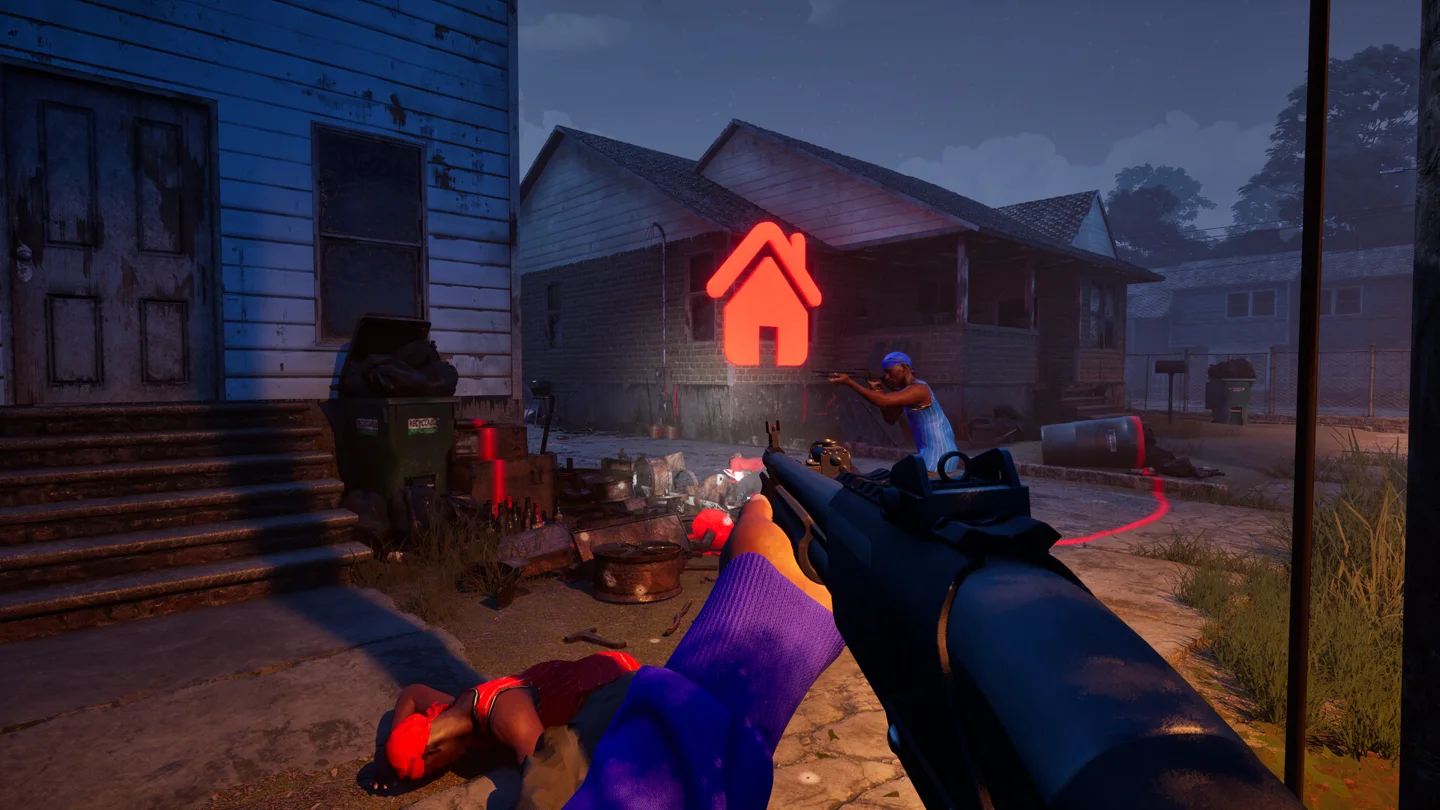
GangBang scores team kills; Turf War scores held territory. Hit A Lick requires taking the enemy bag home, and Chain Snatch requires collecting chains after fights. Destroy The Block gives one life per round, so practice the map and communication before treating it like a respawning shootout.
Unlocks come through reputation, weapon challenges and kills for skins. Keep those separate from the win condition: completing a weapon goal is not always the same as helping your team win. Check the latest patch if progression or presets do not display as expected.
Sources & verification
Checked: 2026-10-14